
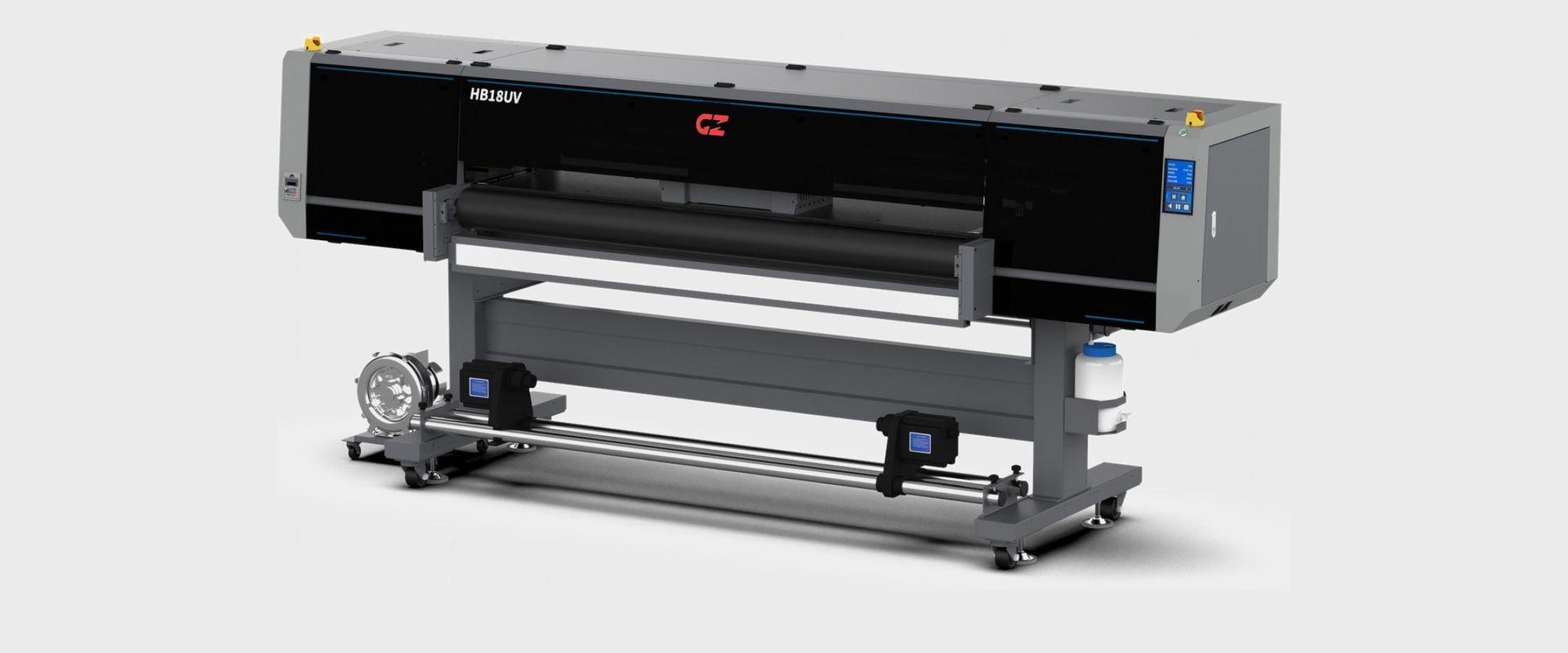
The HB18UV is our new 1.8 m mesh belt UV printer for leather, banner, backlit, vinyl and floor graphics: 45+ sqm/h in draft on the four-head, colour only.
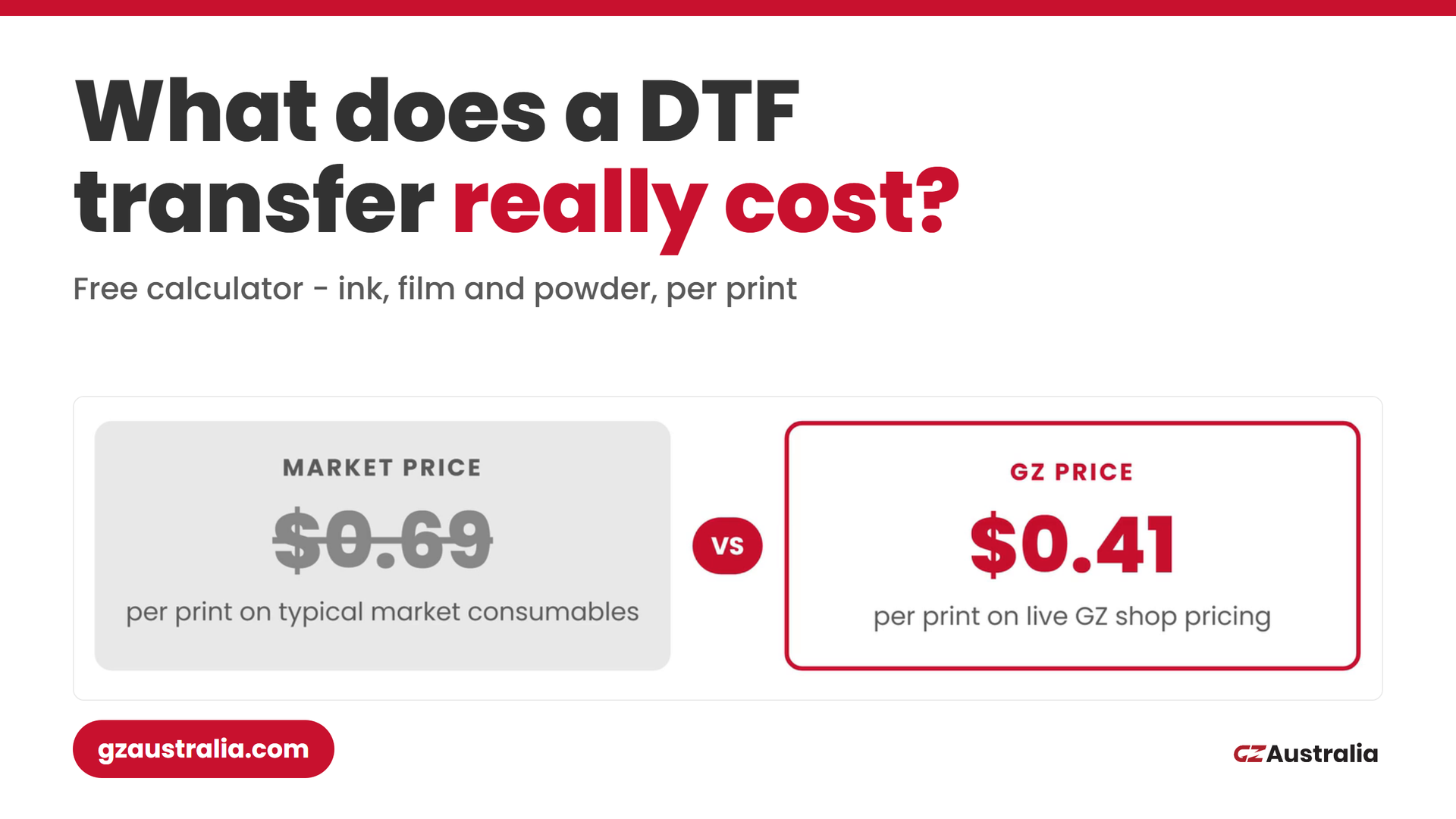
The GZ ink cost calculator prices your DTF and UV DTF prints on live shop pricing - ink, film and powder per print, nested on the roll, with the maths shown. Free, no login.
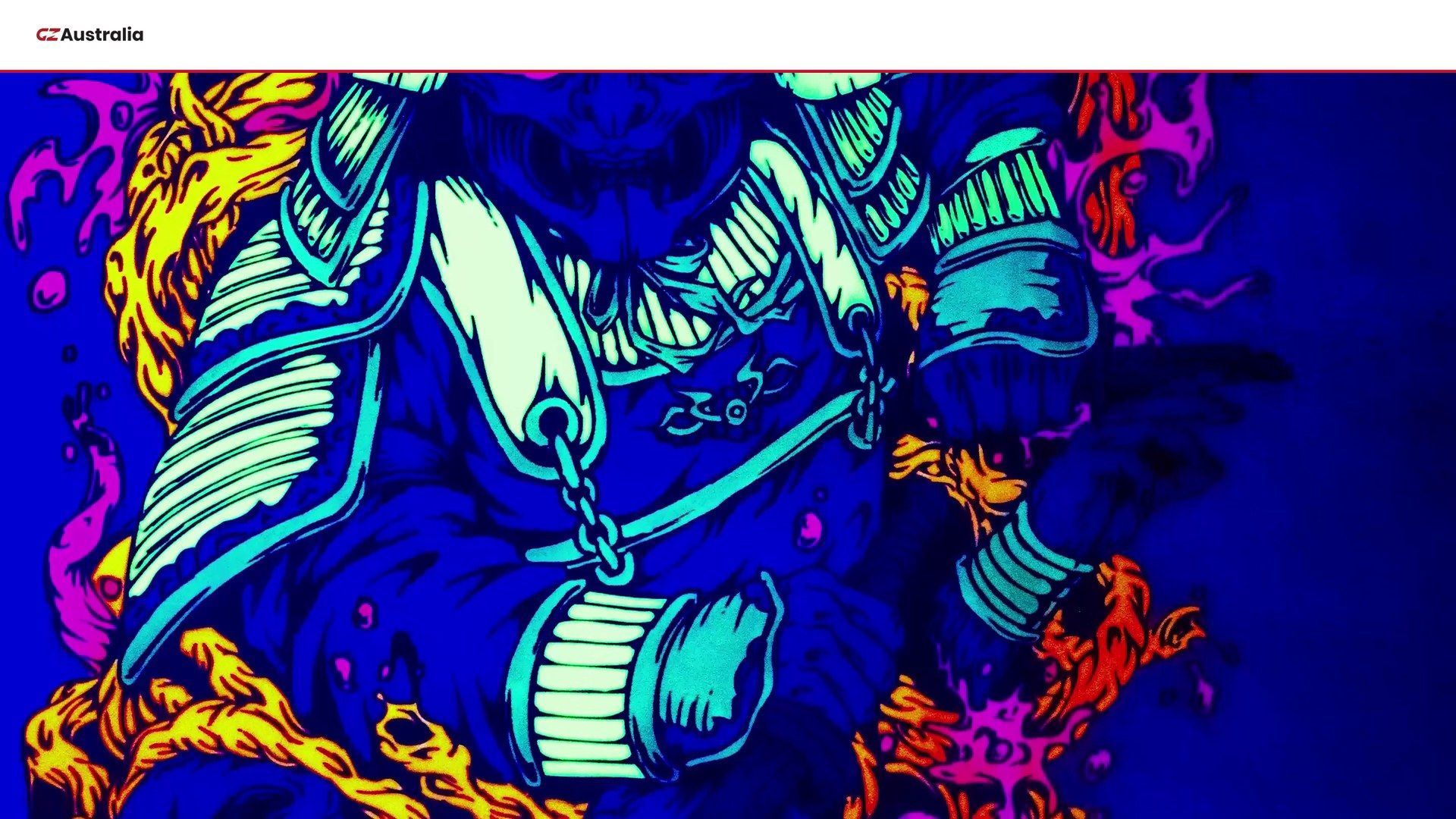
Nine printing technologies, 63 machines, one Australian supplier. A plain-English guide to which printing technology suits your material.
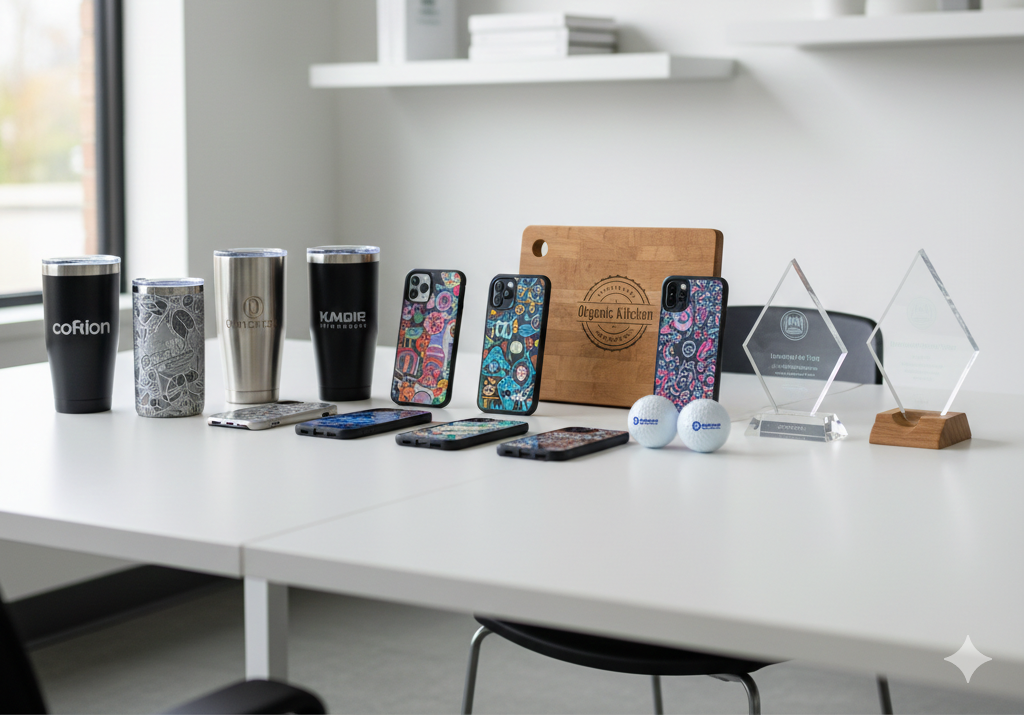

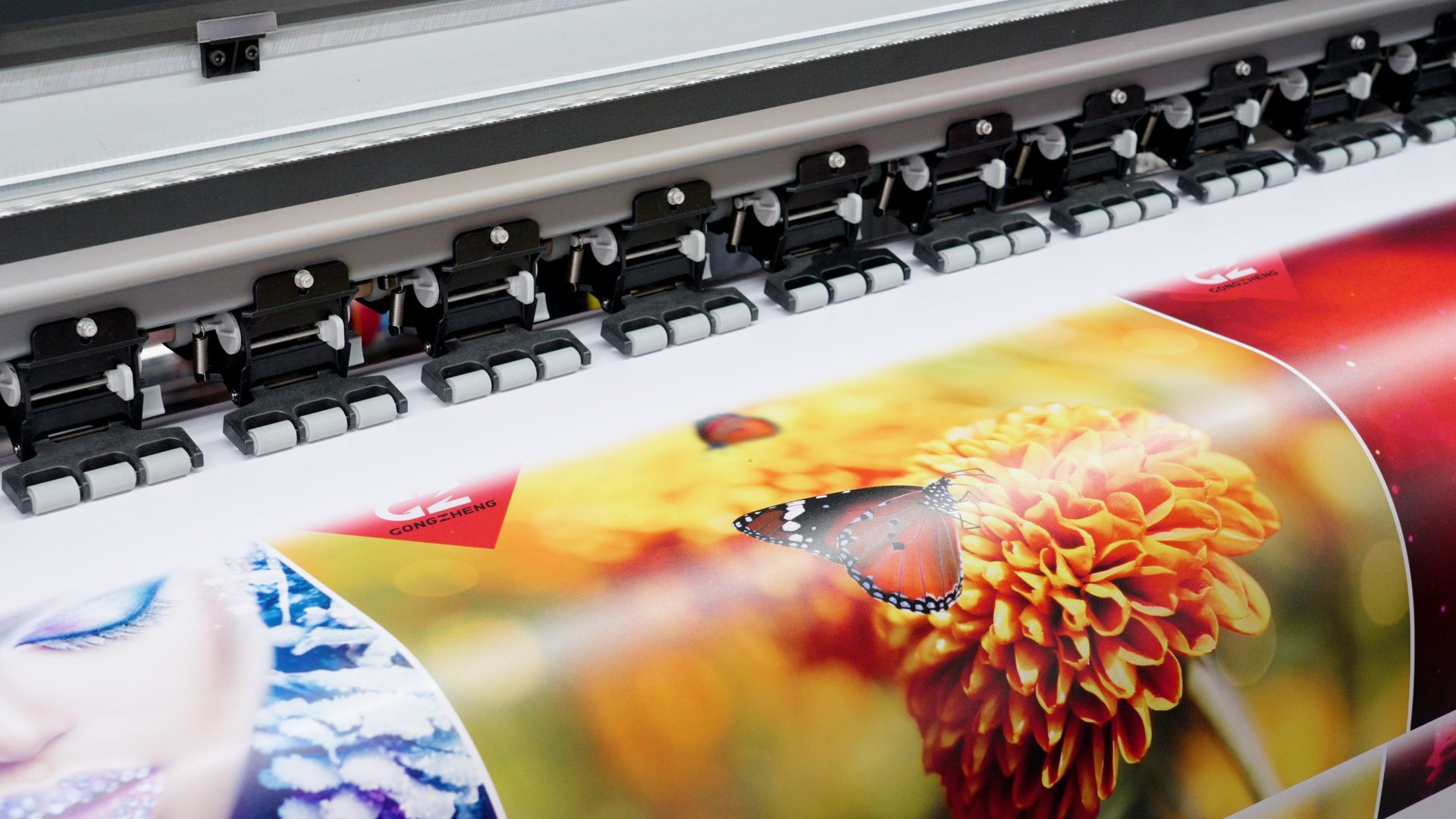
Sign writing has evolved, the opportunities have never been greater!

Bringing Global Print Solutions to Aus
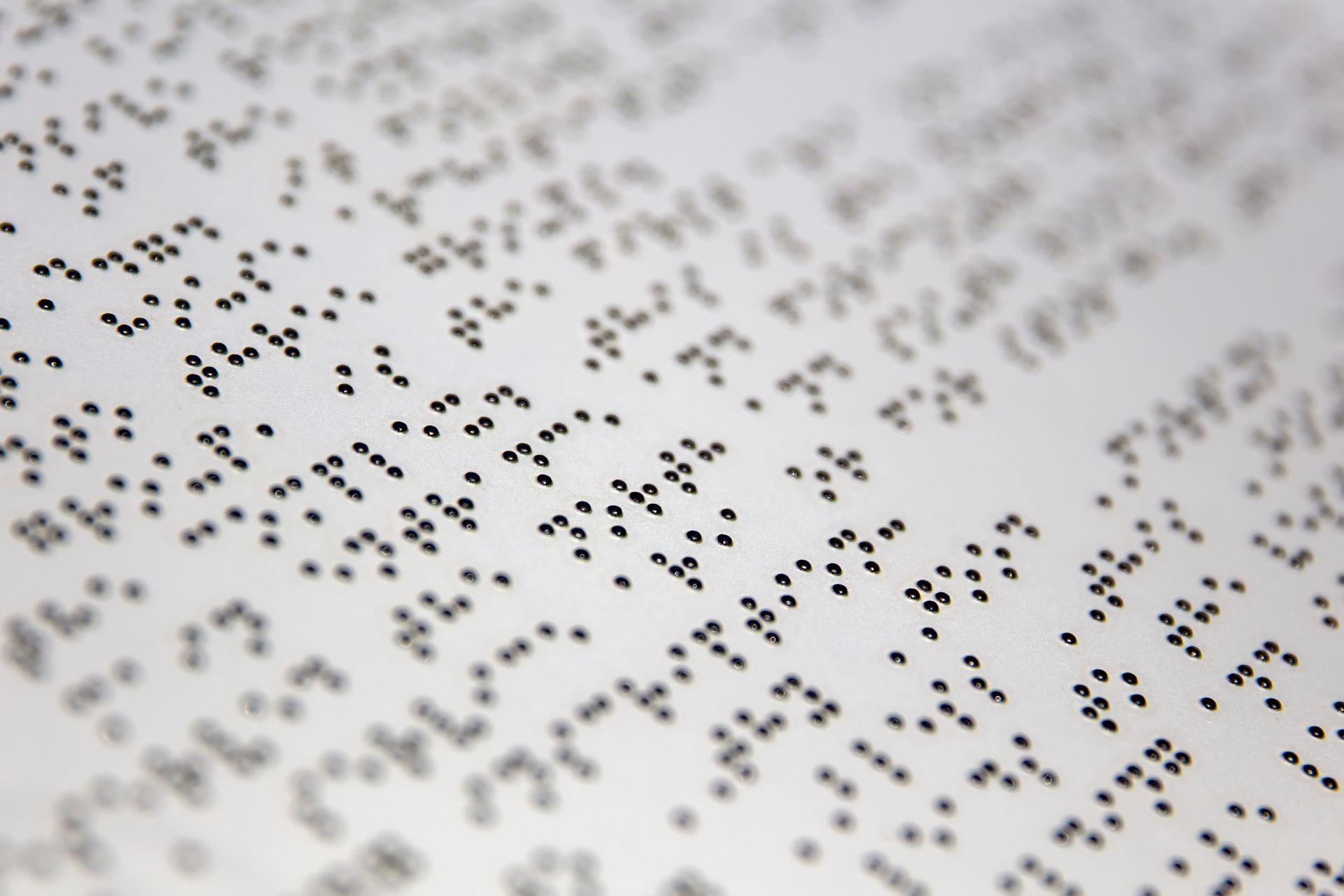
Introducing the A3HD
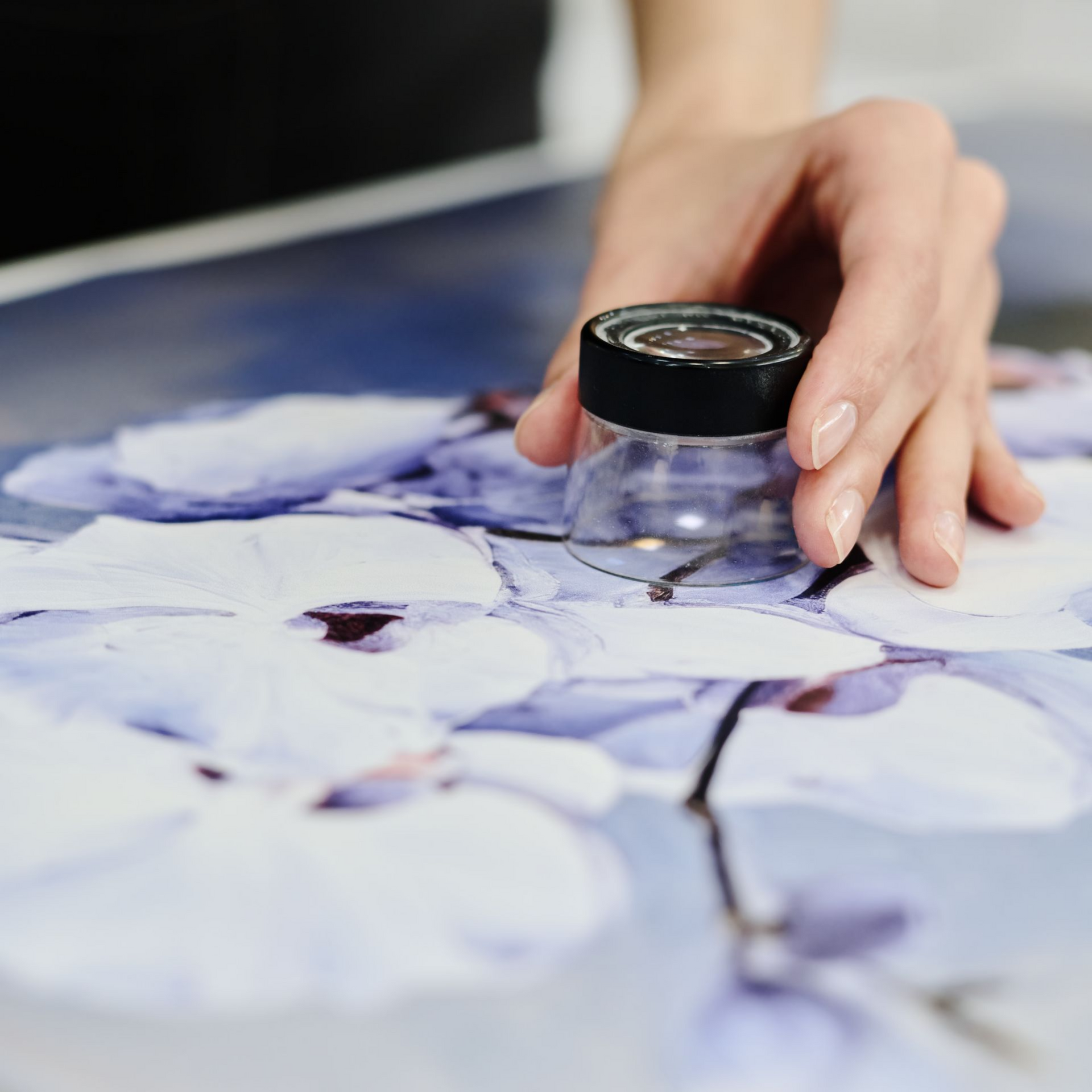
As demand grows for custom decoration, product branding, and small-format signage, businesses need a solution that combines precision, versatility, and user-friendly operation . The Pixy U3 60cm UV DTF Printer is designed exactly for this market — compact yet powerful, with the flexibility to print vibrant graphics directly onto film for transfer onto a wide range of substrates. Compact Power with Epson Print Heads The Pixy U3 is equipped with 3 Epson i3200/i1600 U1 print heads , offering industrial-grade reliability and sharp detail reproduction. Using variable-sized droplet technology , the printer delivers smooth gradients, crisp text, and vibrant colour across every job. With support for KCYM+W+V ink configuration , it enables full-colour printing with white underlay and varnish for glossy, textured finishes. Efficient Printing Speeds and Precision Despite its compact footprint, the Pixy U3 offers impressive productivity: 10 m²/h in production mode (720x1200 dpi) 7 m²/h in high-resolution (720x1800 dpi) 4 m²/h in photo mode (720x2400 dpi) This makes it an ideal solution for short-run, high-value products, from labels and decals to promotional items and personalised gifts. Designed for Easy Workflow The U3 integrates features that make daily operation smooth and efficient: Dual Rubber Heating Rollers – ensure optimal adhesion by regulating film pressure for clean transfers. Anti-Static Brush – eliminates static build-up when separating film, improving stability and protecting printheads. Head Mounting Plate – precision plate eliminates the need for manual angle adjustment. Touch-Screen Panel – user-friendly interface streamlines setup and improves workflow efficiency. These features reduce operator errors and help maintain consistent, professional results. Durable Build with Smart Technology The Pixy U3 is equipped with an anti-collision unit to protect printheads during operation, and an intelligent rubber dryer that enhances ink curing and transfer quality. Together, these ensure consistent reliability in a busy production environment. Flexible Media and Applications With a 600mm print width and support for AB transfer film, the U3 opens up opportunities across multiple markets, including: Custom Stickers and Labels – durable, high-quality branding assets. Promotional Products – personalised gifts, giveaways, and merchandise decoration. Small Signage – indoor displays, logos, and retail graphics. Product Decoration – UV DTF transfers for bottles, plastics, ceramics, and packaging. Technical Snapshot Print Heads : 3 x E pson i3200 / i1600 U1 Ink: UV ink (KCYM+W+V) Ink Tank: 1800ml bulk system Print Width: 600mm Media: AB film Interface: Ethernet Power: Single-phase, 50Hz, AC 220V/110V Dimensions: 2300x1010x790mm / 1800x863x1520mm Weight: 304kg gross / 180k g net Why Choose the Pixy U3? High-quality UV DTF printing with Epson precision Compact 60cm design suited for workshops and small businesses Variable droplet technology for smooth gradients and fine detail Integrated dryer and anti-static systems for consistent transfers Flexible applications across signage, branding, and product customisation Final Thoughts The Pixy U3 UV DTF Printer delivers professional-grade UV transfer printing in a compact 60cm platform . With Epson print head reliability , an easy-to-use touch interface , and smart engineering designed for durability, it is the perfect choice for print shops, promotional businesses, and product decorators looking to expand into profitable UV DTF markets. Whether you’re producing stickers, labels, promotional items, or customised gifts , the Pixy U3 provides the quality, speed, and flexibility to meet customer demand.
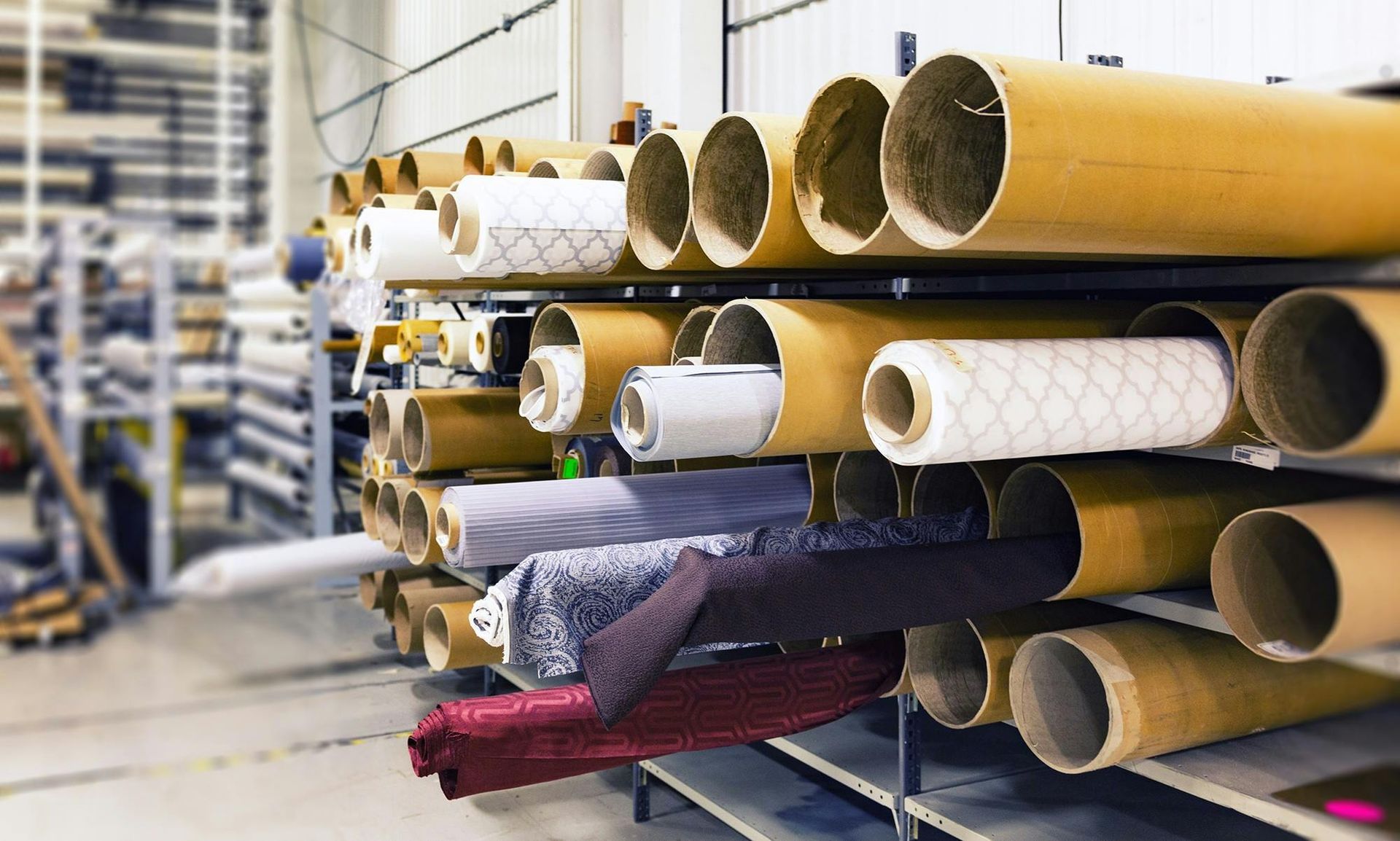
Achieve vibrant, durable results across fabrics and paper with 3.2m wide-format flexibility.
