By Jake Einspinner, GZ Australia. Updated 26 October 2026.
Two UV DTF stickers can look identical on the sheet. One stays on a drink bottle for good and the other lifts at the corner in a week. The difference is five things: enough white under the colour, a varnish layer over it, a full cure, an even lamination, and a clean, firm application. The printer handles the first four. The fifth happens in your hands.
Why do some UV DTF transfers lift or peel?
When a transfer fails early, it's usually one of these:
- The surface wasn't clean.
Oil, dust or a mould-release coating sits between the adhesive and the item.
- The lamination was uneven.
Patchy pressure leaves weak spots where the print didn't bond fully to the top film.
- The ink wasn't fully cured.
Soft ink smudges and doesn't release cleanly.
- Static pulled dust onto the film.
Specks under the print become bumps and lifting points.
- It wasn't pressed on firmly enough.
The adhesive needs pressure across the whole design, edges included.
Why do white and varnish layers matter?
A UV DTF transfer is a stack of layers, and each one does a job.
White
sits behind the colour. Without it, a design on clear glass or a dark tumbler looks washed out, because the item shows through. With it, the colour reads the way you designed it.
Varnish
sits over the colour on the finished transfer. It gives the transfer its gloss and its slightly raised feel, and it's the layer between your design and whatever the item rubs against.
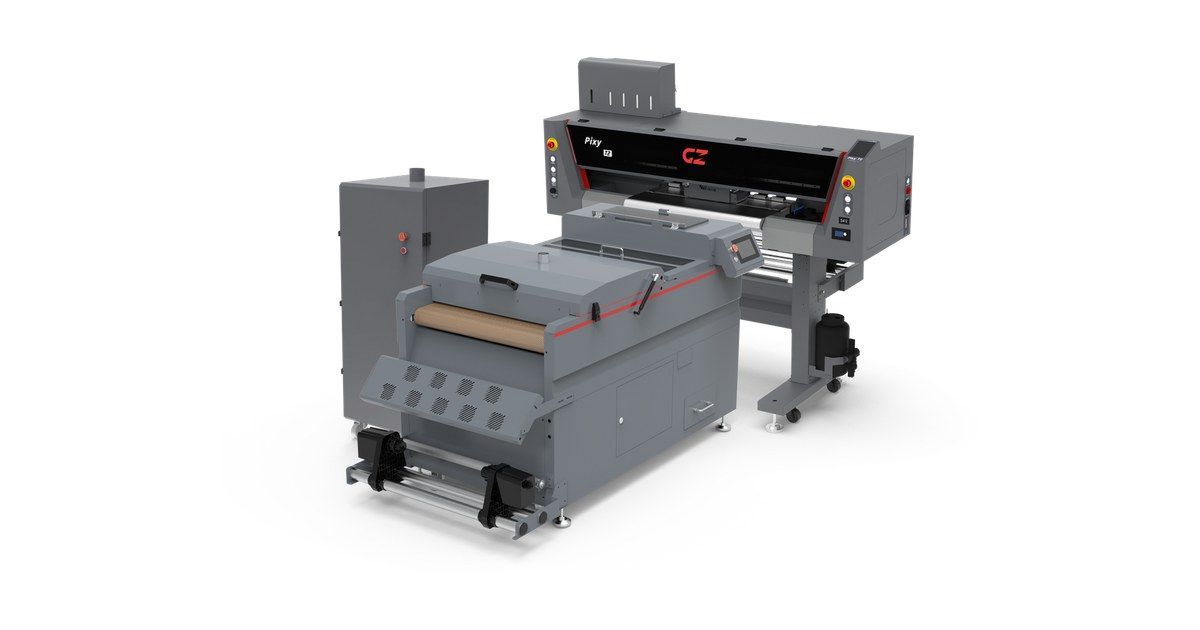
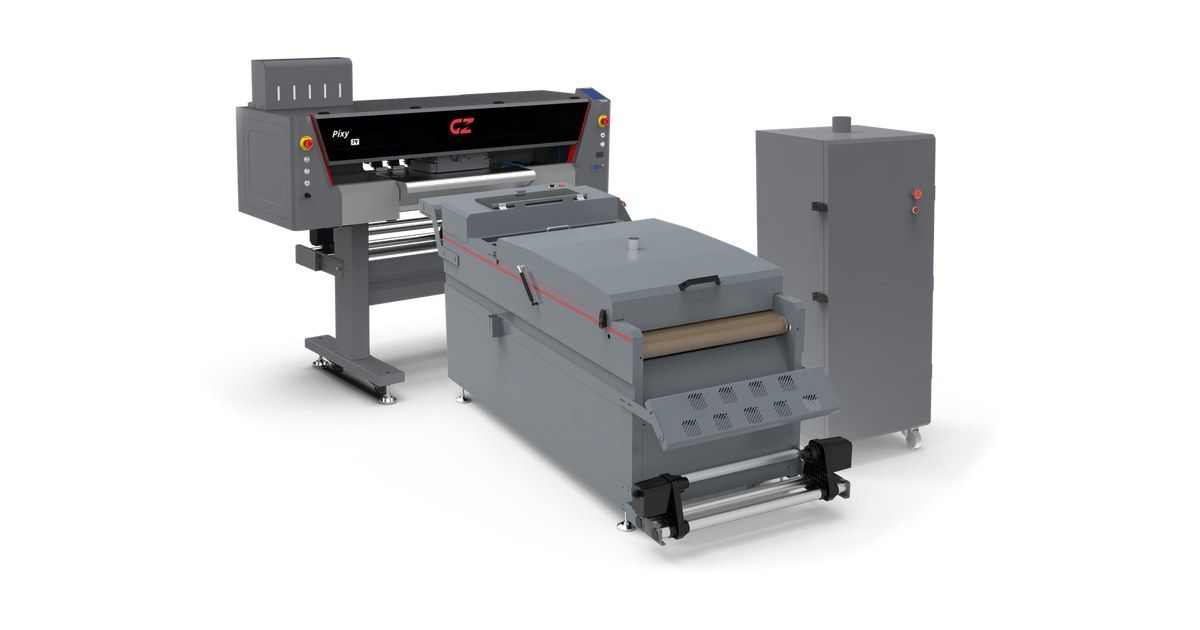
The Pixy U3
and Pixy U3L
print colour, white and varnish in one run. The Pixy U4 Pro
adds a fourth channel, a gold varnish that takes gold or silver foil for metallic finishes.
How does the printer cure each layer?
UV ink stays wet until UV light hits it. On the Pixy printers, UV LED lamps cure each layer as it's printed, so one layer is set before the next one lands on it. That's what lets you stack layers without them bleeding into each other, and why the transfer comes out of the machine ready to cut.
What happens at lamination, and why is it inside the printer?
Once the print is cured, the second film is laminated over it. On the Pixy UV DTF printers that happens inside the same machine, through two heated rubber rollers. Linear actuators set the roller pressure, so it's controlled by the machine rather than by hand. Even heat and pressure mean the print bonds evenly to the top film, with no weak patches waiting to lift.
Doing it in one machine also means the print goes from cure to lamination without being handled, rolled up or left to collect dust in between.
Why does static matter on a UV DTF printer?
Pulling film apart builds up static, and a charged film pulls dust out of the air onto the print. Each speck is a bump under the finished sticker. The Pixy UV DTF printers have an anti-static brush where the film is separated, to discharge it before it reaches the print. It also protects the nozzles and keeps the print clean.
Does resolution change how long a transfer lasts?
Not directly, but it changes how clean the edges are, and clean edges are easier to cut and apply. The Pixy U3 prints from 720 x 1200dpi in production mode (rated at 10 sqm/h) up to 720 x 2400dpi in photo mode (4 sqm/h). Its Epson i3200-U1 heads sit on a precision-machined mounting plate, so the head angle is set at the factory and doesn't need adjusting, and an anti-collision unit protects the heads from a lifted film.
How do you apply a UV DTF transfer so it stays on?
- Clean the surface
and let it dry. Glass, metal and coated items often carry oil or residue you can't see.
- Peel off the backing
without touching the adhesive side.
- Place it and press from the centre out, firmly, so no air is trapped.
- Rub over the whole design, edges and fine details included, before you lift anything.
- Peel the top film away slowly, low and flat to the surface. If part of the print lifts with it, lay it back and rub again.
We go through this hands-on at every install, on the items you plan to sell.
Worth knowing: test on your real product first.
Coatings, plastics and finishes vary between suppliers, even on items that look the same. Before you take a big order, apply a few transfers to the exact item the customer is supplying, handle them the way the customer will, and check them after a few days.
Which Pixy UV DTF printer should you look at?
| Model |
Heads |
Layers |
Cost (ex GST) |
| Pixy U3L
|
3 x Epson i1600-U1
|
Colour, white, varnish
|
$23,990
|
| Pixy U3
|
3 x Epson i3200-U1
|
Colour, white, varnish
|
$27,990
|
| Pixy U3T
|
3 x Epson i3200-U1
|
Colour, two whites (textile build)
|
$29,990
|
| Pixy U4 Pro
|
4 x Epson i3200-U1
|
Colour, white, varnish, gold varnish for foil
|
$41,990
|
Prices are AUD, ex GST (10% on top) and ex freight. Installation, training and the 2-year machine warranty
are included.
The full model-by-model comparison is in our UV DTF printer buying guide. If you're weighing transfers against printing straight onto the item, see what a UV printer costs.
UV DTF quality: common questions
Why is my UV DTF transfer peeling?
Usually the surface wasn't clean, the transfer wasn't pressed on firmly across the whole design, or the lamination was uneven. Clean and dry the item, press from the centre out, rub the edges, and peel the top film slowly and low.
What does the varnish layer do on a UV DTF transfer?
Varnish prints over the colour. It gives the transfer its gloss and raised feel, and it's the outer layer between the design and whatever the item rubs against.
Why do UV DTF transfers need white ink?
White sits behind the colour so the item doesn't show through. Without it, designs on clear glass or dark surfaces look washed out.
Do I need a separate laminator for UV DTF?
Not with a Pixy. The Pixy UV DTF printers laminate the second film over the print inside the machine, with two heated rubber rollers whose pressure is set by linear actuators.
How do I know a UV DTF transfer will work on my product?
Test it on the exact item first. Coatings and plastics vary between suppliers, so apply a few transfers, handle them the way your customer will, and check them after a few days before taking a big order.